

Virtual Reality in Education
Engaging VR and AR Educational Content for Students of all Ages
Virtual Reality (VR) in Education is transforming how students engage in the classroom. PWC reports students that use VR for there learning retain 4 times more then any other way of learning. Using VR headsets for educational purposes, lets teachers place pupils inside 360° scenes and 3D models, from the inside of a cell to the surface of Mars. In UK schools it is used across primary and secondary for STEM, geography, history, english and to support SEND students, typically in short 10–15 minute sessions controlled by the teacher.
Below we outline for teachers, curriculum leads, school business managers and those who want to know what VR actually looks like in a lesson, what the evidence says, how to keep pupils safe, and what it costs. Along with our own case studies working with schools across the UK.
What is VR in Education?
VR in education is the use of virtual reality headsets to let pupils explore places, objects and processes they could not otherwise see, as part of a teacher-led lesson. Instead of looking at a picture of a volcano, a pupil stands on its rim; instead of a diagram of the heart, they look inside one.

Virtual Reality
A fully immersive 360° or 3D world that replaces their surroundings
Examples: Virtual field trips, explorable scenes, immersive videos

Augmented reality
Digital 3D objects placed on top of the real classroom
Examples: Handling a 3D models of science or historic articfacts
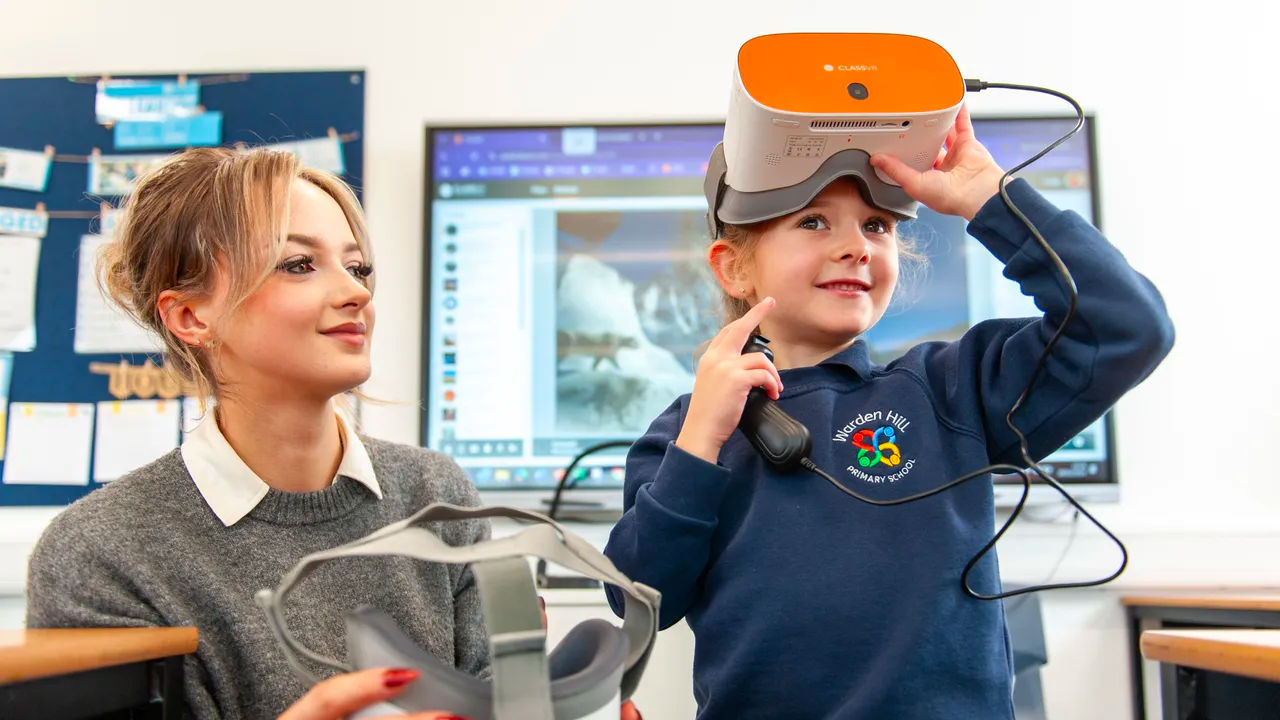
Immersive Videos and Images
Footage seen on an interactive screen that reflects a real or virtual experience.
Examples: videos or people, or places
ClassVR headsets support all three, so teachers can choose the right format for each lesson.
In a school, VR is not a replacement for teaching. It is a resource, like a microscope or a field trip, that the teacher uses for a few minutes to spark curiosity, make an abstract idea concrete or give every pupil the same experience to talk and write about.
Why Schools use VR: Benefits and Evidence
Research suggests VR has a positive effect on learning, and the benefit is greatest for primary and secondary pupils. A 2022 review of 48 studies found that pupils taught with immersive VR learnt more than those taught in traditional lessons, and that the effect in schools was roughly double that seen in universities.
Compared to learners taught with more traditional teaching methods, learners using a VR headsets are:

4x
More Focused

4x
Quicker to Retain Knowledge

275%
More Confident in Applying Learnings
*source: PWC
The Main Benefits Teachers Report
Engagement and attention.
A headset removes distractions and puts every pupil in the same place at the same time, so the whole class has a shared experience to discuss.
Making the abstract concrete.
Pupils can walk around a molecule, stand inside a Roman villa or watch the water cycle from above, which helps with concepts that are hard to picture from a diagram
Better recall.
Experiences are easier to remember than slides. Many schools use VR at the end of a topic for revision.
Access for every pupil.
Virtual field trips take pupils to places a school could never afford to visit, and help pupils who can’t easily travel.
Careers inspiration.
360° workplace experiences show pupils jobs and settings they may not otherwise see.
Support for SEND.
Short, controlled experiences can help some pupils rehearse new situations and stay focused
Many studies have looked into the impact on Virtual Reality used in Educaition, including The potential of immersive virtual reality to enhance learning: A meta-analysis, finding the above benefits for every classroom
How VR Works in a Lesson
A typical VR activity takes 5–10 minutes inside a normal lesson, with the teacher in control of every headset from a laptop or tablet. We recommend sessions of no more than 15 minutes at a time.

Plan
The teacher picks an experience from the ClassVR library.

Hook
Introduce the topic and give pupils one or two questions to answer while they’re in VR.

Launch
The teacher sends the experience to every headset at once from the ClassVR Portal.

Guide
Track what students are viewing, guide their attention, and lead the experience with confidence.
What the Evidence Doesn’t Show...
VR works best as part of good teaching, not instead of it.
Virtual Reality used in education gives teaching advantage over other computer-based learning was much smaller, and effects varied by subject. That’s why we recommend short, purposeful 5-15 minute VR activities with clear learning goals.
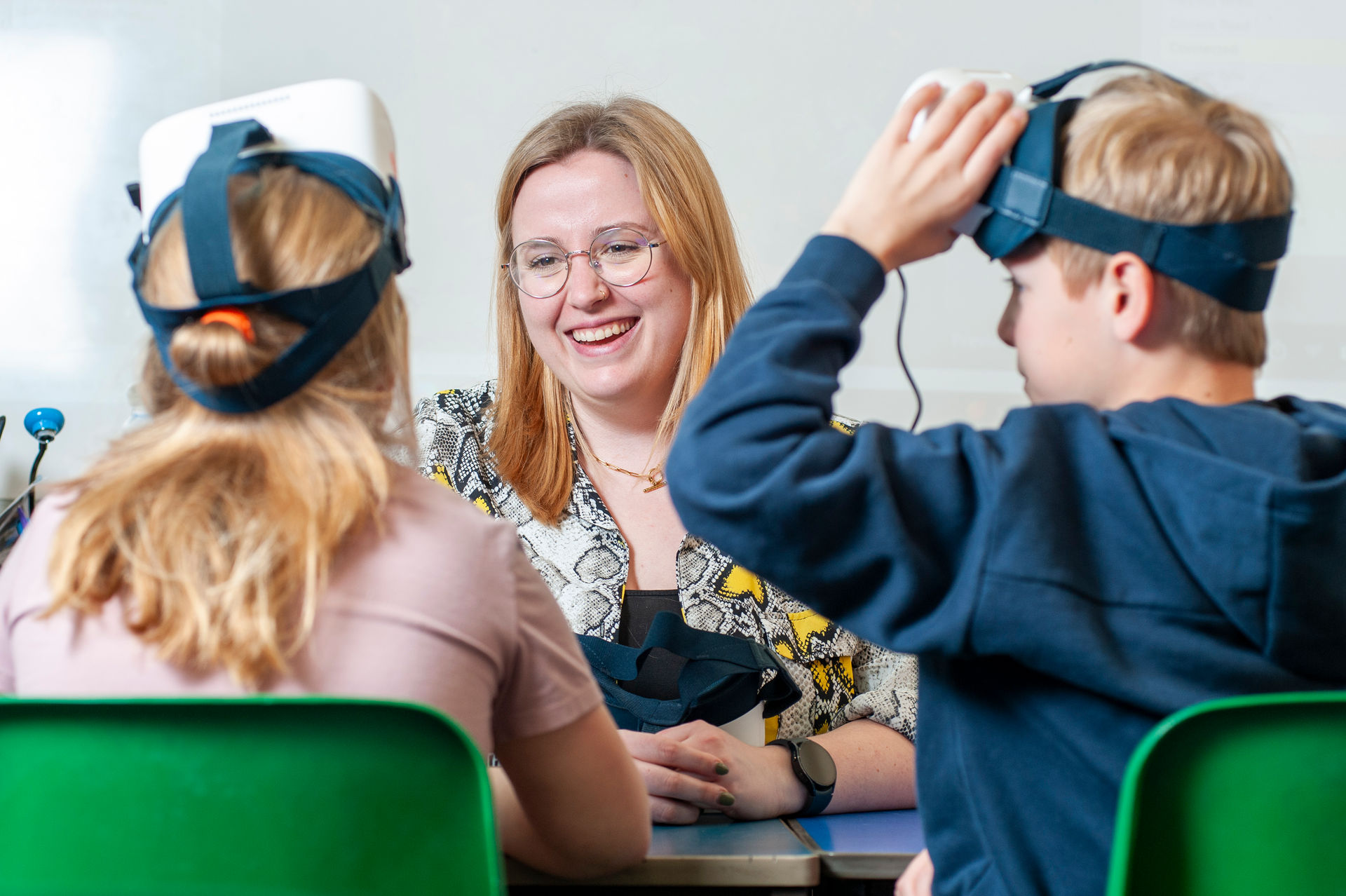
VR examples by subject and Key Stage
VR fits almost every subject in the national curriculum; these are some of the ways UK teachers use it.
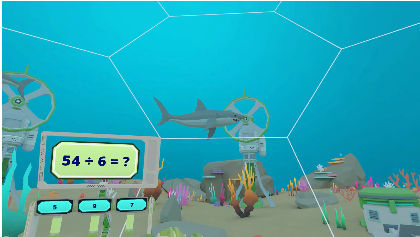
Mathematics
Content designed for KS1 – KS4
Build Maths Fluency Through Immersive Puzzle-Solving

English
Content designed for KS1 – KS3
Visit a story’s setting as a stimulus for descriptive writing.

Science
Content designed for KS1 – KS4
Explore inside a plant or animal cell; travel through the solar system.

Geography
Content designed for KS1 – KS4
Stand on the rim of a volcano; follow a river from source to mouth

Art & Design
Content designed for KS1 – KS4
Explore galleries and create in 3D

History
Content designed for KS2 – KS4
Walk through a Roman town, an Egyptian tomb or hold ancient artifacts in the palm of your hands
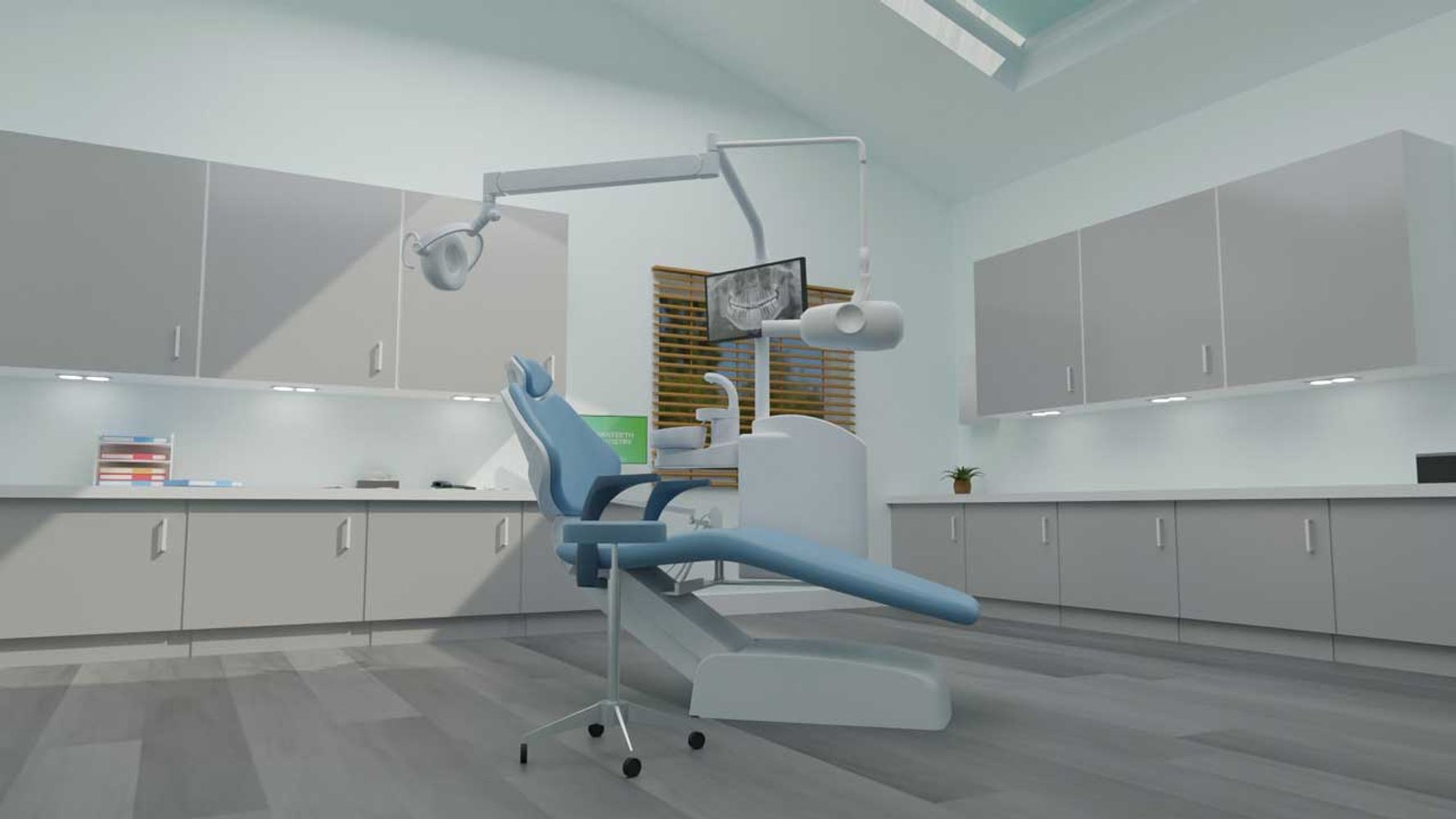
PSHE
Content designed for KS1 – KS4
Step into real world experiences through 360° video
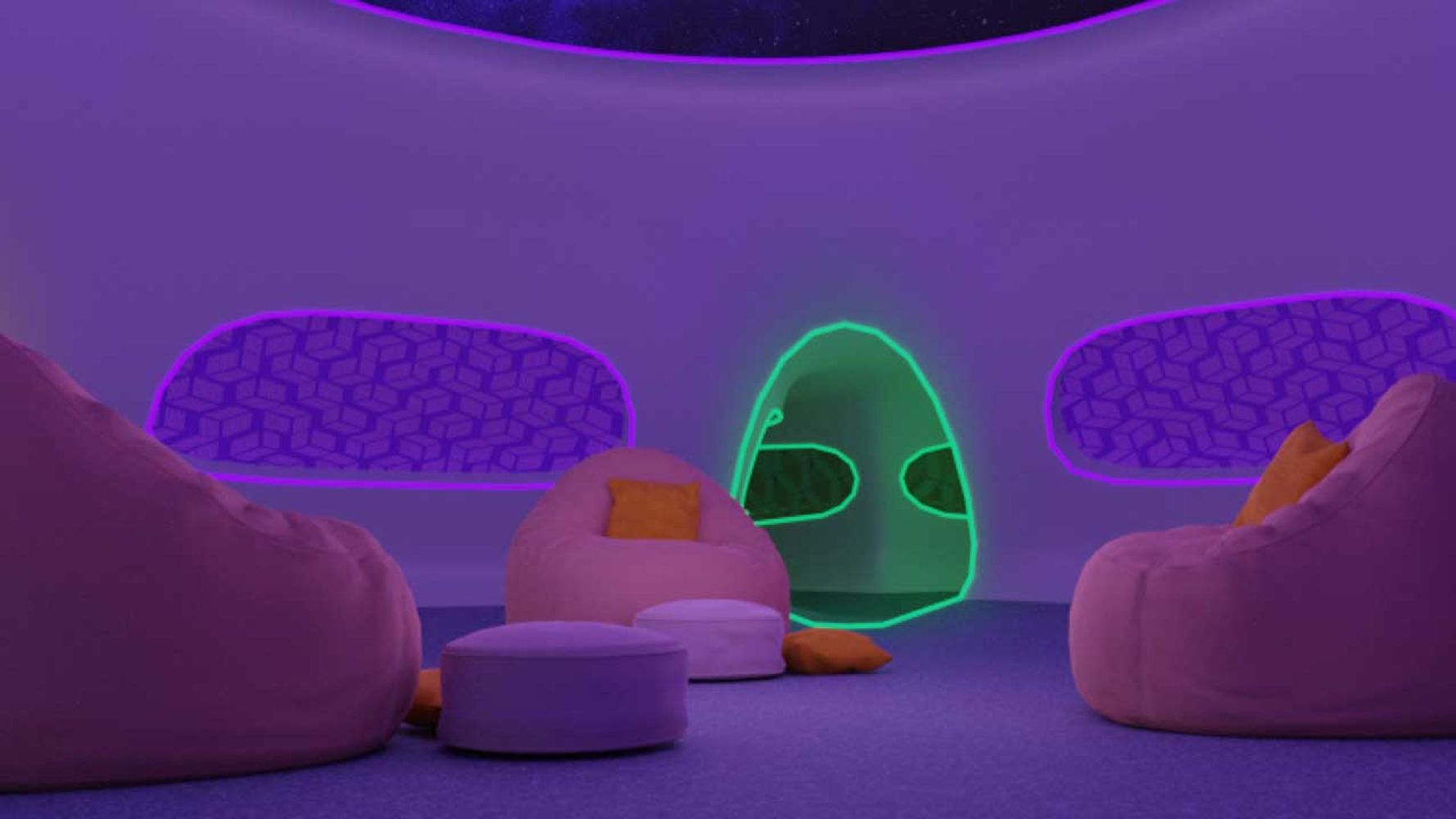
SEND
Content designed for KS1 – KS4
Immersive experiences to reset regulate and thrive in the classroom
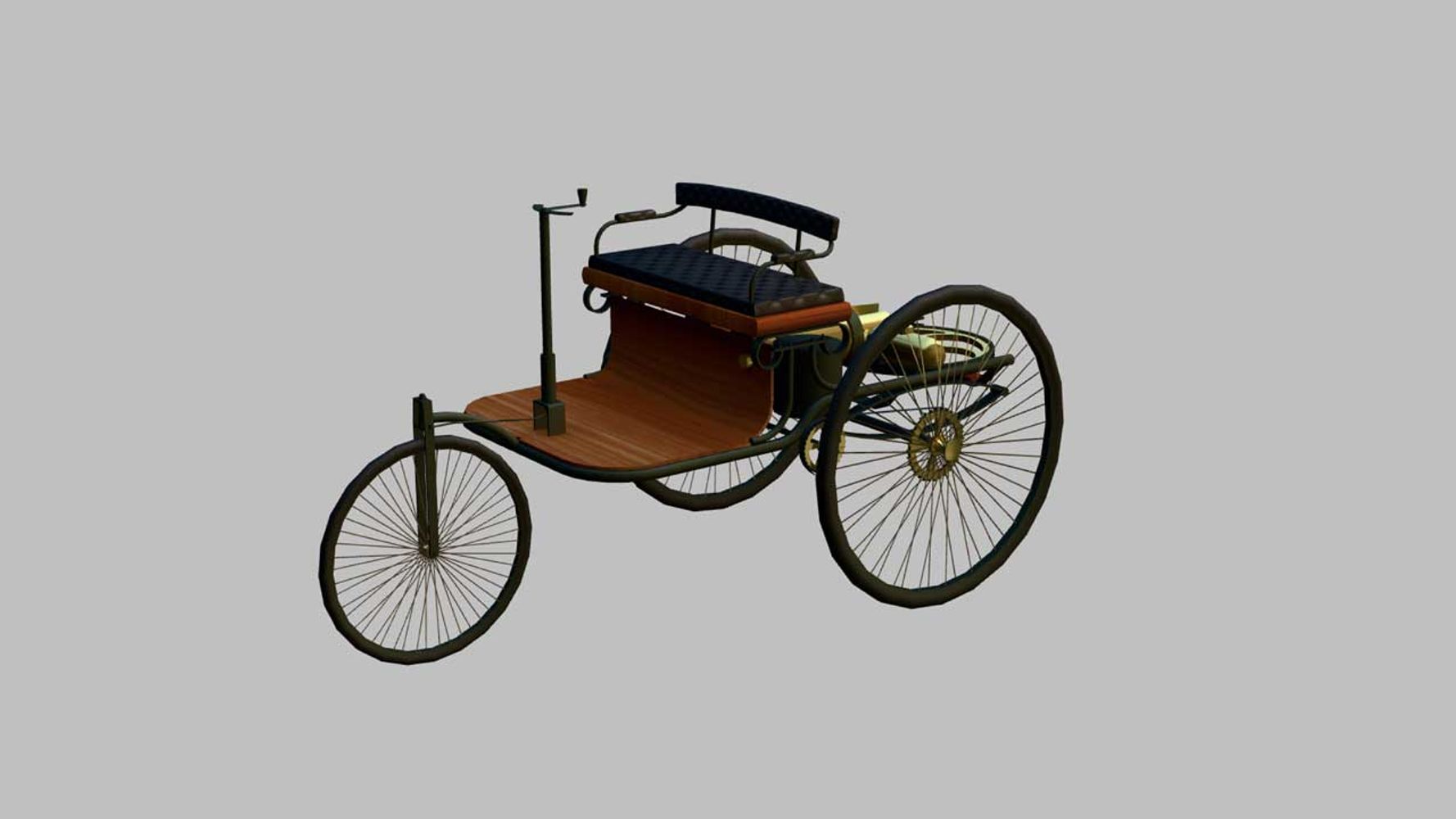
Design & Technology
Content designed for KS3 – KS4
Take apart a 3D engine or product to see how it works
Take Students on a Virtual Field Trip
By using VR in Education a class can visit the Great Barrier Reef, the Arctic or the Colosseum in a single lesson, with no coach to book and no time out of school.
Take your students to the Seven Wonders of the World, let them marvel at every intricate detail, and spark a sense of wonder that no textbook alone can ignite, all from the safety of the classroom.
When knowledge is lived, not just learned, it becomes truly unforgettable.
VR by School Phase
How schools use VR changes with age, so we’ve written guidance for each phase.
Primary (KS1–KS2)
Short, teacher-led experiences to spark curiosity and support topic work and writing.
Recommended Headset: ClassVR Xplorer, our Primary School and SEND Education Solution

Secondary (KS3–KS4)
Visualizing complex STEM, geography and history teaching; knowledge retention to support revision; career exploration.
Recommended Headset: ClassVR Xcelerate, our STEM and Career Solution.

Further and higher education (16+)
Vocational and technical training, practical skills, work experience
Recommended Headset: ClassVR Xcelerate, our Interactive STEM and Career training Solution.
SEND Education
Calm, controlled experiences for rehearsal, regulation and access to places
Recommended Headset: ClassVR Xplorer – with EduverseTHRIVE, immersive experiences to reset, regulate and thrive.

Multi-Academy Trusts
Shared content and device management across schools
Recommended Headset: ClassVR Xcelerate and Xplorer Bundles.
International Schools
Vocational and technical training, practical skills, work experience
Recommended Headset: ClassVR Xcelerate and Xplorer Bundles.
Interested in VR for Education?
Our global team is here to help with your enquiry
VR in UK schools: case studies

Corley Academy
Corley Academy, use ClassVR to boost engagement, build confidence, and drive knowledge retention through immersive learning for there students age 11 – 16.

Katherine Warington School
Discover how Katherine Warington School, England enhance engagement with virtual reality.

St Mark’s Anglican Community School
Discover how St Mark’s Anglican Community School in Australia is maximising the student experience with ClassVR.
Frequently Asked Questions
Why is VR important for learning?
Virtual Reality (VR) is important for learning because it creates immersive, interactive experiences that help students understand complex concepts in ways traditional methods cannot. Instead of just reading or watching, learners can experience lessons as if they were really there.
Key reasons why VR matters in education:
Encourages Collaboration – Many VR platforms let students learn and solve problems together in shared virtual spaces.
Increases Engagement – VR captures students’ attention and makes lessons more exciting.
Improves Retention – Research shows people remember information better when they experience it in 3D environments.
Supports Experiential Learning – Students can practice skills in realistic simulations, such as science experiments, language practice, or historical site visits.
Enhances Accessibility – VR makes it possible to “travel” to places or scenarios that would otherwise be too costly, dangerous, or impossible.
How is VR used in Education?
Teachers use Virtual Reality (VR) in schools to create immersive learning experiences that go beyond textbooks and videos. With VR headsets and apps, they can bring lessons to life and make abstract concepts easier to understand.
Common ways teachers use VR in classrooms:
Skill Training – Teachers use VR to let students practice real-world skills, such as public speaking, coding, or vocational training.
Virtual Field Trips – Students can “visit” historical sites, museums, or even outer space without leaving the classroom.
STEM Learning – VR simulations let students explore anatomy, chemistry labs, or physics experiments in a safe, hands-on way.
History and Social Studies – Learners can step into different time periods, observe events, and interact with historical environments.
Language Learning – VR allows students to practice speaking in realistic settings, like ordering food in a virtual café or traveling in a foreign country.
Special Education Support – VR provides personalized, interactive experiences to help students with different learning needs.
Can VR be used with SEND pupils?
Yes. Short, calm, teacher-controlled experiences can help some pupils rehearse new situations, stay focused and visit places that would otherwise be hard to reach
Does VR fit the UK national curriculum?
Yes. The ClassVR library contains thousands of curriculum-aligned resources, searchable by subject and age, with teacher and student notes.
Is VR safe for pupils?
VR is safe for pupils when it’s used in short, supervised sessions; ClassVR is designed to be used for no more than 15 minutes in any one lesson, and teachers are alerted if a pupil goes over that time.
Our health and safety guidance for schools:
Teacher-controlled content. Pupils only see the experiences their teacher has chosen and sent to the headset, with no open internet browsing.
Keep sessions short. No more than 15 minutes in a lesson. Start with a few minutes and build up.
Supervise and watch for symptoms. An adult should be present and stop the session if a pupil feels dizzy, sick or has eye strain.
Clear the space. Pupils should stay seated or in a clear area, aware of their surroundings.
Adjust the focus for each pupil to reduce the risk of discomfort.
Clean between users. Use skin-friendly, non-alcoholic antibacterial wipes on the headset and a dry microfibre cloth on the lenses.
Check medical needs. Pupils with epilepsy or other relevant conditions should only use VR after advice from their doctor.
What are the benefits of VR in the classroom?
VR boosts engagement, makes abstract ideas concrete and helps pupils remember what they’ve learnt. A 2022 review of 48 studies found pupils taught with VR learnt more than those taught in traditional lessons, with the biggest gains in schools.
Do teachers need training to use VR?
No specialist skills are needed. The ClassVR Portal lets teachers launch content, guide attention and pause headsets from one screen, and ready-made lesson plans help with planning.
How long should pupils use VR in a lesson?
VR sessions up to 15 minutes are the recommendation amount of lesson time for classroom use. This give students time to dicuss, collaborate and reflect on there VR experience.