

Spark Curiosity through VR
A Powerful, Intuitive VR Headset Designed to Inspire, Engage, and Transform Learning for Every Student
Innovation That Inspires Learning
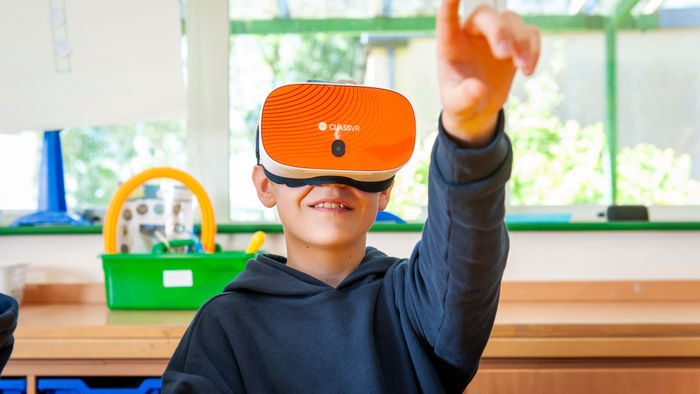
High-Performance Headset
.jpg)
Adjustable for Every Learner

Front-Facing Camera for Augmented Reality
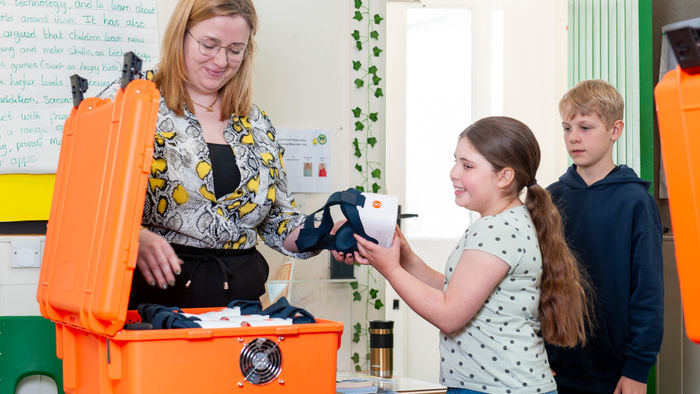
Safe & Secure Charging
Immersive Content that Inspires Learning
Take Them There With 360° Images and Videos
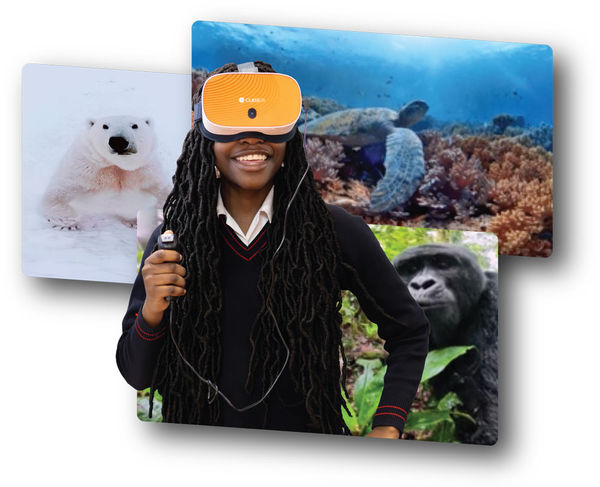
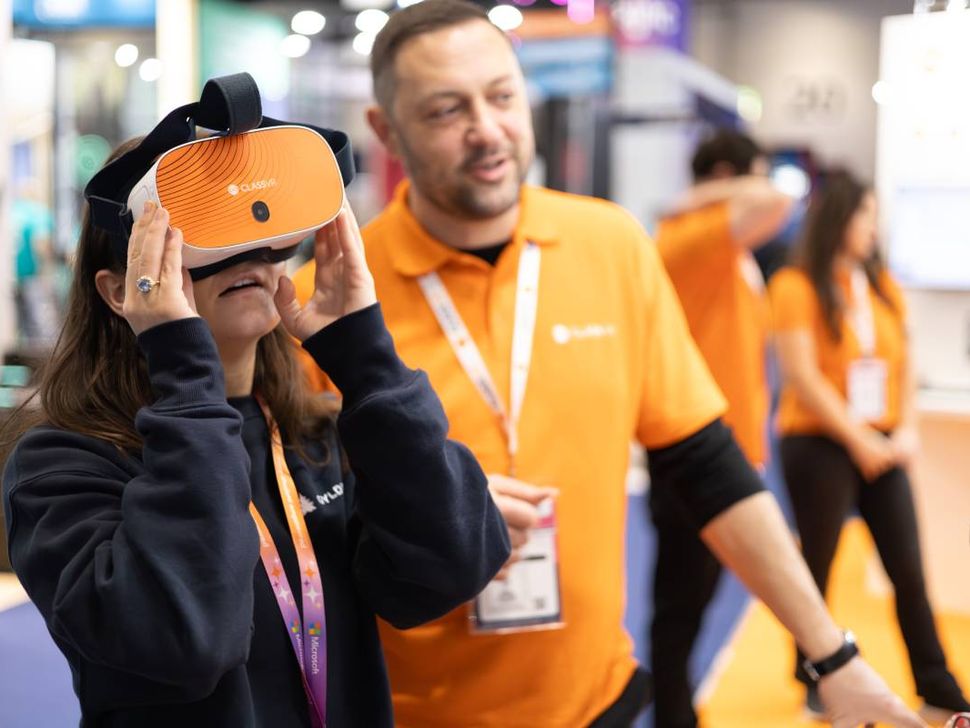
ClassVR makes it easy to immerse students in the real world through powerful 360° images and videos. From exploring ancient ruins to diving beneath the ocean, learners are transported beyond the classroom and placed right in the middle of the action.
Teachers can also upload 360° content directly to headsets, bringing authentic locations and experiences into the lesson at the click of a button. It’s a simple, powerful way to enrich understanding and create moments students will never forget.
With ClassVR, exploration doesn’t just support learning, it transforms it.
Explore Hands-on Learning with 3D Models
Bring complex ideas to life by letting students see and experience them up close in the palm of their hand
With ClassVR’s AR cube, learners can hold, rotate, and examine 3D models as if they were real objects in the palm of their hands, making abstract concepts tangible and interactive.
From studying the intricate details of a human heart to viewing ancient artifacts from every angle, 3D models spark curiosity, deepen understanding, and bring subjects to life in ways textbooks never could.
Turn Every Lesson into a Journey of Discovery
Our explorable scenes place students at the heart of learning, surrounded by dynamic environments they can move through, navigate, and explore.
This interactive approach goes beyond simply seeing; it makes them feel present in every moment. By actively engaging with their surroundings, learners build a deeper connection to the subject matter, sparking curiosity and strengthening understanding.
These experiences also foster empathy, creativity, and critical thinking skills that help students grow not just academically, but personally.
Explore the Eduverse Content Library
Browse by subject and age group for a detailed view of the VR content available in our Eduverse library
Seamless Control for Every Lesson
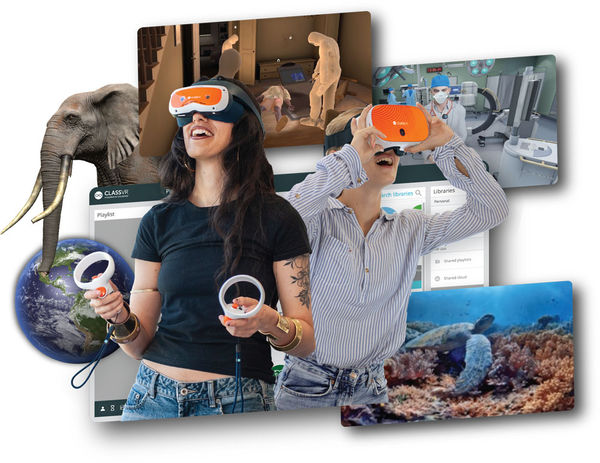
Transform teaching with immersive VR content that’s engaging, easy to manage, and fully under teachers control. The ClassVR portal is built for educators, giving real-time visibility and tools to guide, monitor, and enhance every VR lesson.
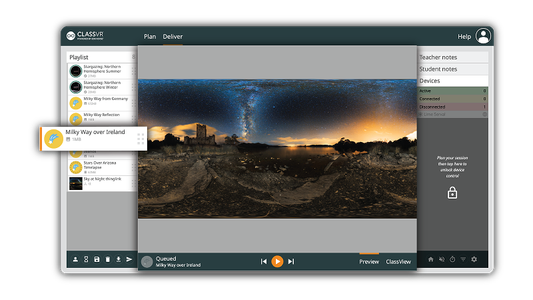
Launch VR Experiences Simultaneously
Send a VR experience to every headset with a single click, or let students explore independently at their own pace.
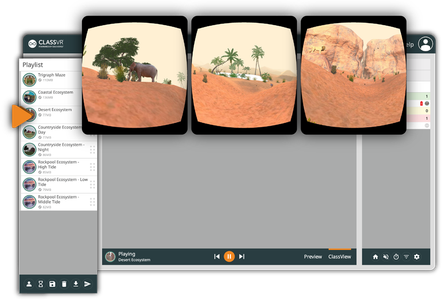
Real-Time Student Monitoring
View student headset activity live with ClassView. Instantly follow along with what every student is exploring, ensuring they stay focused, engaged, and on track throughout the lesson.

Guide and Focus Student Attention
Stay in control with tools like dynamic points of interest and headset locking, keeping students engaged and on task.

Record and Review Student Sessions
Capture student activity in ClassView to review progress and evidence learning.
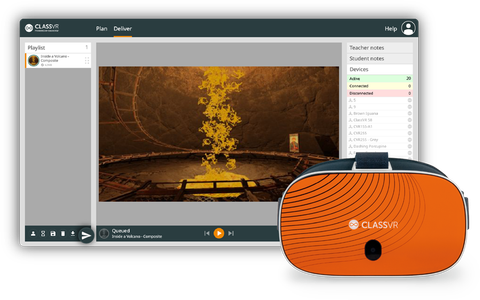
Push Content Instantly to Headsets
Instant content delivery, select your resources and send them to headsets in seconds, keeping your lessons flowing smoothly.

Attention Mode
Pause all headsets instantly to bring attention back to the front of the class.
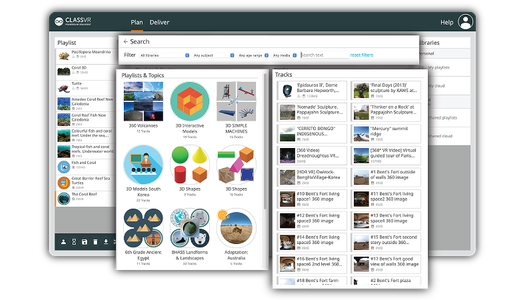
Drag-and-Drop Playlist Creation
Simplify lesson planning, just drag and drop resources from our curriculum-aligned library into custom playlists you can edit, save and launch in seconds.
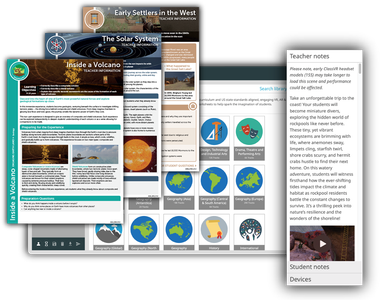
Ready-to-Use Lesson Plans
Our immersive content is paired with curriculum-aligned, ready-to-use lesson plans, complete with objectives, resources, teacher notes, and student prompts, making it easy to integrate into your lessons.
Device Management Designed for Schools
Managing classroom technology shouldn’t be complicated. With ClassVR, device management is simple, secure, and built directly into the platform, no extra tools, no complex integrations, just everything you need in one place.

Controlled Learning Environment
ClassVR headsets are locked down by design, giving students access only to the curated content provided.

Device Analytics
View usage data, battery levels, WiFi status, software versions and headset activity at a glance.

Monitor and Control Devices Remotely
Configure devices, manage settings, rollout firmware updates, reboot, reset or power down devices individually or across your whole fleet.

Student Safety First
No student data is collected, internet access is restricted, and all content is fully teacher-controlled.

Pre-Download Content
Take control of your lessons by caching videos, 3D models, and playlists directly onto headsets ahead of time. With content pre-downloaded, students can jump into VR instantly.

Custom Set up & Classroom Ready
Devices arrive preloaded, preconfigured and linked to your school account.
Why Teachers Choose ClassVR
ClassVR is the leading all-in-one solution built specifically for education. ClassVR combines powerful XR hardware, immersive curriculum-aligned content, lesson planning tools and seamless classroom & device management in a single easy-to-use platform.
The ClassVR portal is purpose-built and fully integrated with every headset, giving educators real-time visibility and control
over their entire VR learning environment.
How ClassVR Benefits Learning
Compared to learners taught with more traditional teaching methods, learners using a VR headsets are:

4x
More Focused

4x
Quicker to Retain Knowledge

275%
More Confident in Applying Learnings
*source: PwC
Real Support from Real People
At ClassVR, every school gets a dedicated Technical Account Manager and direct access to our support team. Our teachers and EdTech specialists provide clear, practical help, from setup and training to troubleshooting -online or by phone.
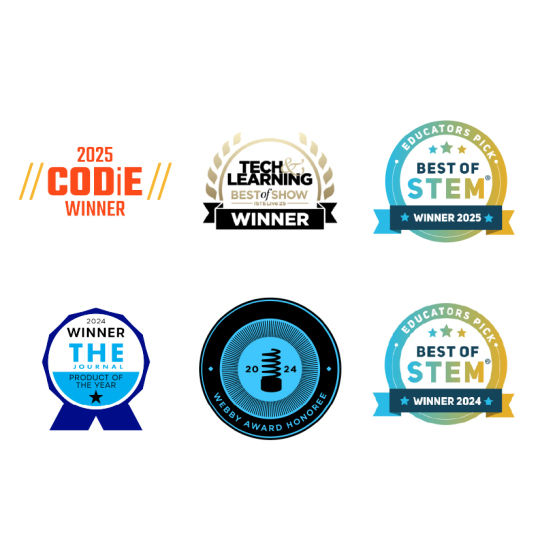
Award-Winning Technology
Recognized for innovation and impact, ClassVR has earned awards for transforming education through immersive learning. Trusted by schools worldwide, it combines powerful performance with classroom-ready simplicity.
Trusted by Schools Across the USA
-
Amanda Hunt,
Oak Run Middle School
“Our district is using VR and AR in a variety of ways. Teachers in all subjects such as foreign language, history, English and more are taking students on virtual field trips to famous locations throughout the world, allowing students to view these places in a more involved way than just looking at a photo.”
-
Branden Wells
Salem City School – Texas
“ClassVR makes the most abstract content come to life. No matter what you’re learning about, ClassVR can take it from dry to immersive instantaneously! Your students will be engaged, excited, invested and hungry for more! The amount of content is truly endless, and with additional features like CoSpaces and Avantis World, educators will never run out of ideas.”
-

Bryan Cutter, Principal
Montgomery Public Schools, USA
“I wanted to find a way to use VR to immerse students in experiences where they can virtually travel to different places and have experiences that enhance the curriculum.”
.png)
.jpeg)
New to ClassVR? Check out these helpful blogs:

The Role of VR in SEND Learning
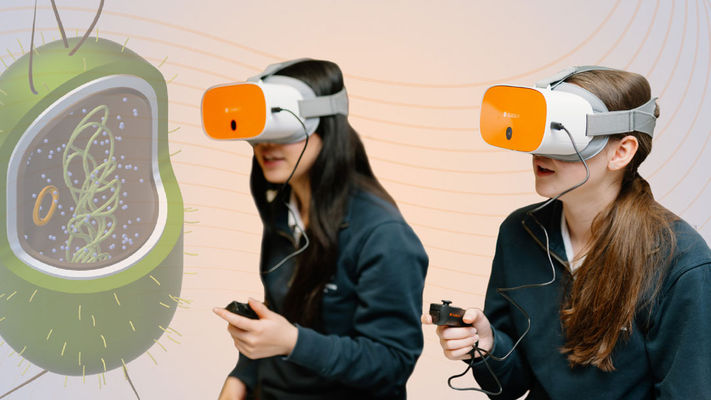
Benefits of VR for Education
A Teachers Guide to an Interactive Classroom.
Frequently Asked Questions
What are the main features of the Xplorer headset?
Xplorer offers fast and powerful performance to deliver a truly immersive experience. Here are some of the main features that our headsets include:
- High-performance and vivid visuals
- Motion control with head tilt
- Built-in comfort pads and adjustable head straps for every learner
- Easy to clean
- Front-facing camera for augmented reality
- Safe & secure charging
Are there health and safety guidelines?
Click on the link below to read our headset health and safety guidelines.
What is the cost of the Xplorer headset?
We offer a range of packages for our Xplorer headset and compatible content subscriptions, tailored to the needs of each school.
To find the best option for your classroom, contact our sales team to request a personalized quote.
Can I upgrade my ClassVR standard headset to Xplorer?
Of course! We are currently offering a headset trade-in promotion in select regions. Please reach out to our sales team to find out more.
What is a Virtual Field Trip?
A virtual field trip is a classroom experience that takes students to a real world location through immersive media instead of a physical visit. With a VR headset like Xplorer, a virtual field trip is a full 360 degree environment that students look around in real time. Teachers use virtual field trips to reach places that are too far, too expensive, or too dangerous to visit in person.
How does the Xplorer headset support virtual field trips?
Xplorer is built for group virtual field trips. A teacher launches a destination from the ClassVR portal and every student headset loads the same content at the same time. The teacher sees every student’s point of view in real time, can pause the class, focus attention on a detail, and record the session for review. No student accounts, no open internet, no private browsing.
What virtual field trip destinations are available with ClassVR?
The ClassVR Eduverse library includes thousands of virtual field trip destinations, all curated for schools. Popular trips include the Moon, Mars and the solar system, the Great Barrier Reef, the Grand Canyon, Ancient Egypt, the Amazon rainforest, Ellis Island, the Statue of Liberty, and the inside of the human body. New destinations are added every month and are mapped to US K to 12 curriculum standards.
How are VR virtual field trips different from video based virtual field trips?
Video based virtual field trips are flat. Students watch a screen. VR virtual field trips with Xplorer are immersive. Students are placed inside the environment in full 360 degree view and they choose where to look. Retention and attention in full immersion are significantly higher than in flat video. That is the difference between watching a field trip and taking one.