
Set up your
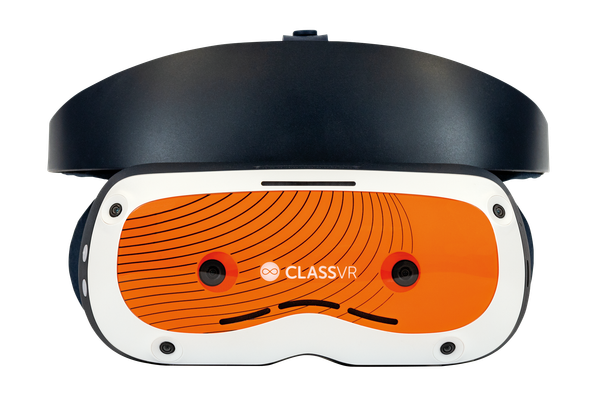
Xcelerate Headset
[VIDEO PLACEHOLDER]

How to Enrol your device
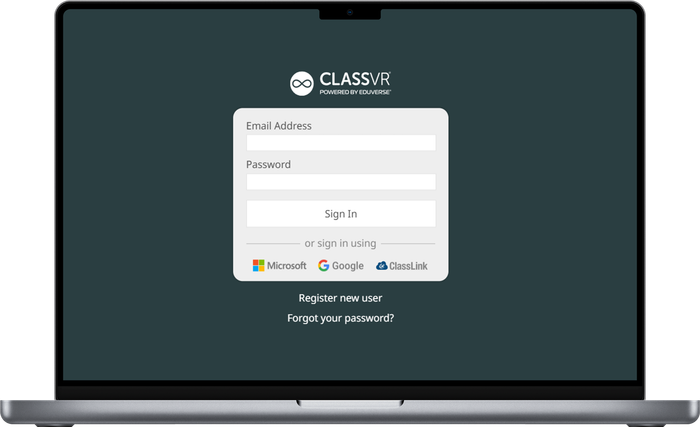
Step 1 – Login
Receive your invite – You should have received an email invitation with a link to the ClassVR portal, asking you to register.
Login to the portal – Click the link within the email and choose your password. Accept the end-user licence agreement and you’ll be taken to the ClassVR portal homepage.
How to invite other users – Click settings in the ClassVR portal, and click ‘Invite user’. Type their email address and decide which role to assign them. Admin, Editor, or Viewer.
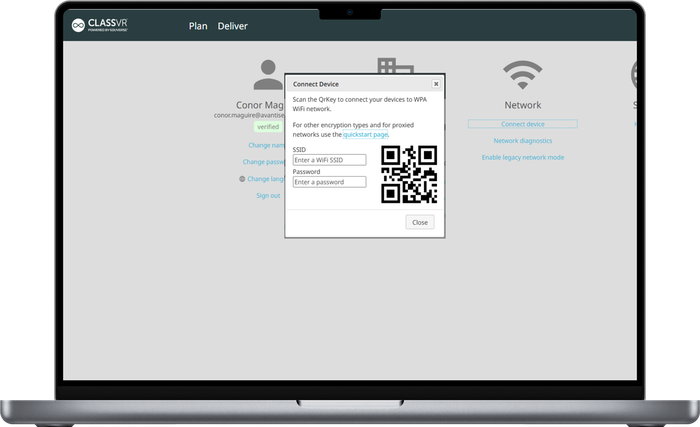
Step 2 – Connect to wifi
Access the ClassVR Portal – Use portal.classvr.com and sign in with the email address that you have registered with. Once there, click on the Settings icon in the top-right of the webpage.
Click Connect Device – Enter your Wi-Fi SSID Name and password. Once you have done this, scan the displayed QR code with the headset’s Scanner utility. It’s helpful to take a photo of the QR code in case you need to scan in the future.
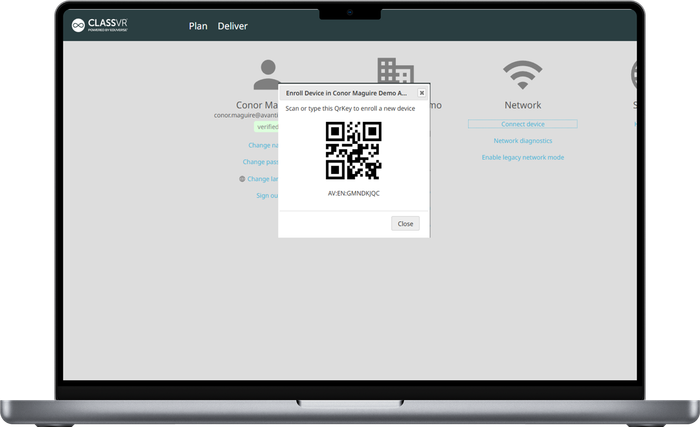
Step 3 – Enroll headset
Enrol a device – Click on Enrol Device, and using each of your Xcelerate Headsets, turn them on and scan the QR code within the headset.
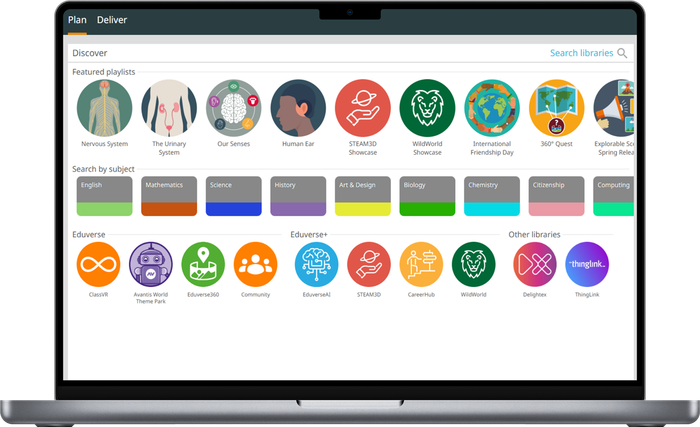
Step 4 – Set up Content
Drag and drop content to your playlist – You should have received an email invitation with a link to the ClassVR portal, asking you to register.
How to save your playlist or share with colleagues – Click the link within the email and choose your password. Accept the end-user licence agreement, and you’ll be taken to the ClassVR portal homepage.
How to download content – Click settings in the ClassVR portal, and click ‘Invite user’. Type their email address and decide which role to assign them. Admin, Editor, or Viewer.
How to send experiences to the headset – Click settings in the ClassVR portal, and click ‘Invite user’. Type their email address and decide which role to assign them. Admin, Editor, or Viewer.
The Career Training Solution
Designed for high school students and those entering the workforce, providing;


Immersive Content

Immersive Content

Immersive Content

Immersive Content
What’s more
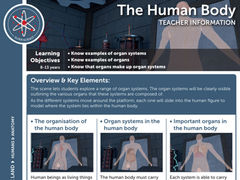
Our content includes teaching resources to help you integrate ClassVR headsets into your classroom
Lesson Objects
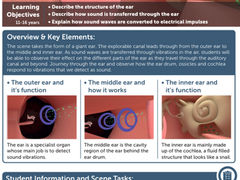
Worksheets

Lesson Plans
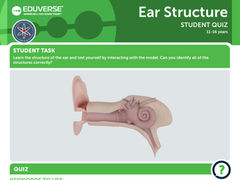
Student Quizzes
All curriculum-aligned
Check out our support site
Need more information or help on using classvr
Our support site has everything you need to know